
Yes — a travel eSIM is the easiest way to get data in the US. Our USA eSIM connects to T-Mobile and Verizon, two of the three national networks. Two things are different from most countries: travel eSIMs don’t give you a US phone number, and large parts of the national parks have no signal at all.
- The US has three national networks: AT&T, Verizon and T-Mobile. Ours uses T-Mobile and Verizon.
- Your phone needs 4G with VoLTE — US 3G networks were shut down in 2022.
- Travel eSIMs are data-only: keep your home number for SMS codes (Uber accepts foreign numbers).
- National parks: Yellowstone’s service is “extremely limited”, and in the Grand Canyon the NPS says a phone “probably” won’t work.
- Visiting Canada or Mexico too? A North America plan covers all three.
Which networks will your eSIM use?
The US has three national carriers. In Opensignal’s July 2026 report, T-Mobile won 12 of 16 awards, Verizon won the Coverage award and AT&T won Time on Network; RootMetrics’ late-2025 tests rated Verizon best overall. Our USA eSIM connects to T-Mobile and Verizon, which together give strong coverage in cities and along interstates.
Will your phone work in the US?
Most recent phones work fine, but check two things. First, the US switched off its 3G networks in 2022, so your phone needs 4G with VoLTE — the FCC specifically warned international visitors with older phones. Second, the phone must support eSIM and be carrier-unlocked — check your model. US carriers also use some frequency bands that are less common elsewhere, so very old or regional-only phone models can have weaker coverage.
Do you need a US phone number?
Usually not. Travel eSIMs are data-only, so you won’t get a US number — but WhatsApp, iMessage and FaceTime all work over data, and Uber accepts foreign numbers (it sends the sign-in code by SMS, so keep your home SIM on). If you’ll be making lots of local calls or need a US number for a specific service, a US prepaid plan with a number is the alternative.
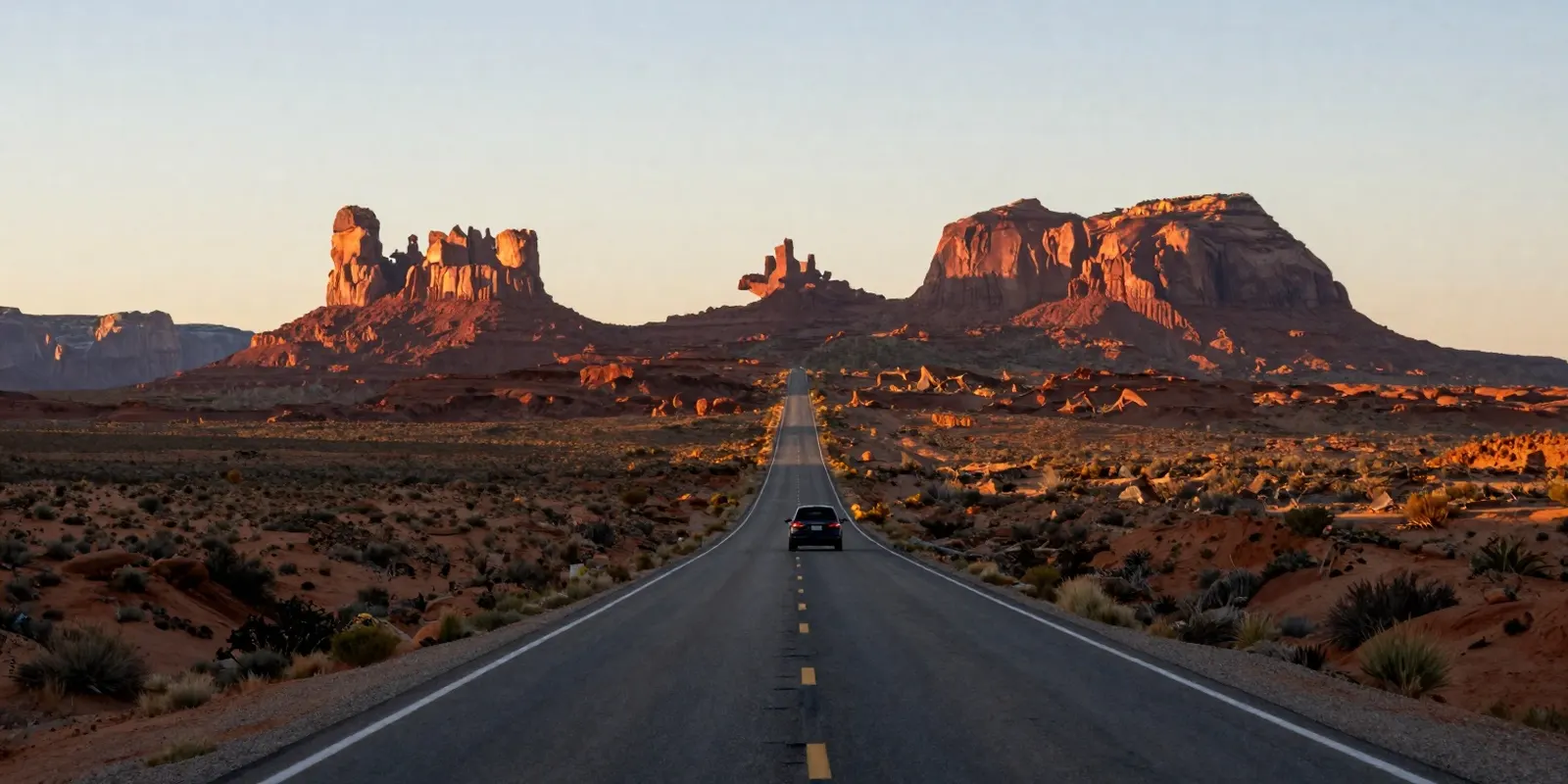
National parks: plan for no signal
This is the one place a US trip catches people out. The National Park Service says coverage in parks is inconsistent and carrier maps aren’t reliable:
- Yellowstone: cell service is “extremely limited”, mostly near developed areas such as Old Faithful, Mammoth and Grant Village.
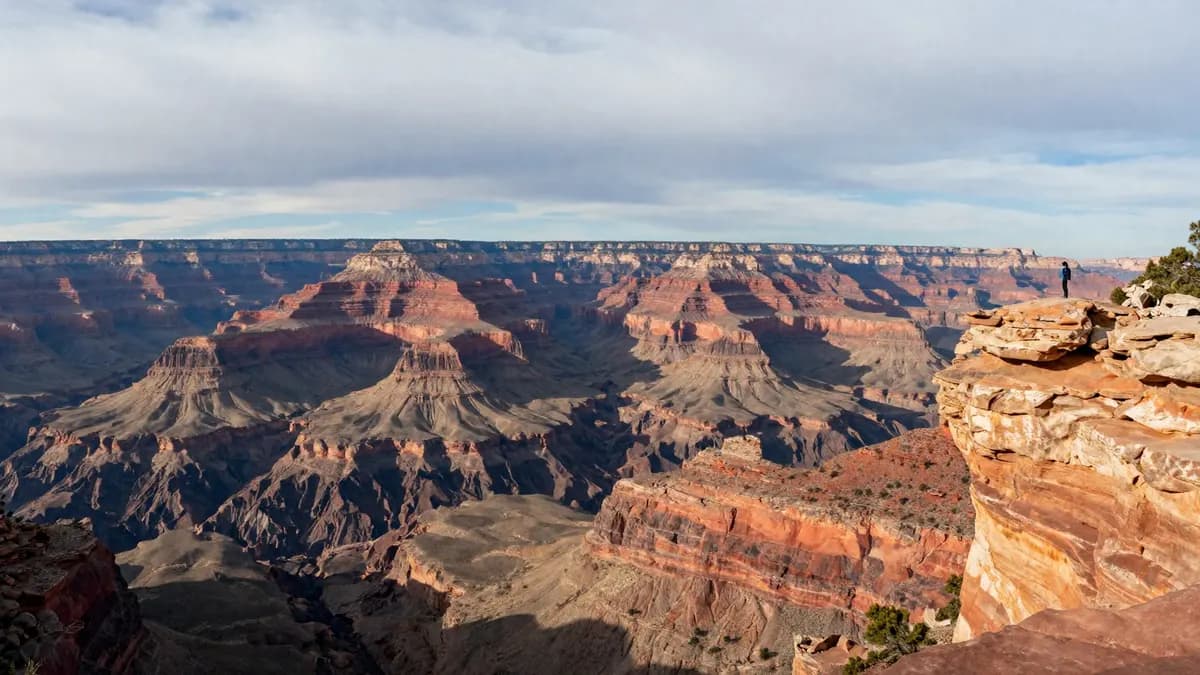
- Grand Canyon: asked whether your phone will work in the canyon, the NPS answers “probably not”. The South Rim village has some service and free Wi-Fi in places.
- Yosemite: service is mainly in the eastern part of Yosemite Valley; areas such as Tuolumne are unreliable.
Download offline maps, tickets and park information before you leave town, and tell someone your route. Many visitor centres offer free Wi-Fi if you need to get online inside a park.
Arriving at the airport
Big airports such as LAX and JFK have free Wi-Fi (LAX gives free sessions after a short ad), but an eSIM installed at home means you’re online as soon as you land — useful for booking a ride or messaging your hotel before you clear the terminal.
Set up your US eSIM
- Buy a USA plan — or a North America plan if Canada or Mexico is on the route.
- Install it at home on Wi-Fi; validity starts when you first use data.
- When you land, set the eSIM as your mobile data line and turn on data roaming for it.
- Keep your home SIM on for SMS codes, with its data roaming off.
How much data do you need in the US?
| Trip | Typical use | Plan size |
|---|---|---|
| City break (New York, LA) | Maps, Uber, messaging | 3 GB |
| Two-week road trip | + navigation all day, photos | 10 GB |
| Working remotely | + video calls, hotspot | 20 GB |
Our US plans start at $1.50 for 1 GB (7 days), with 5 GB for 30 days at $7 (checked 9 October 2026 — see the live USA page).