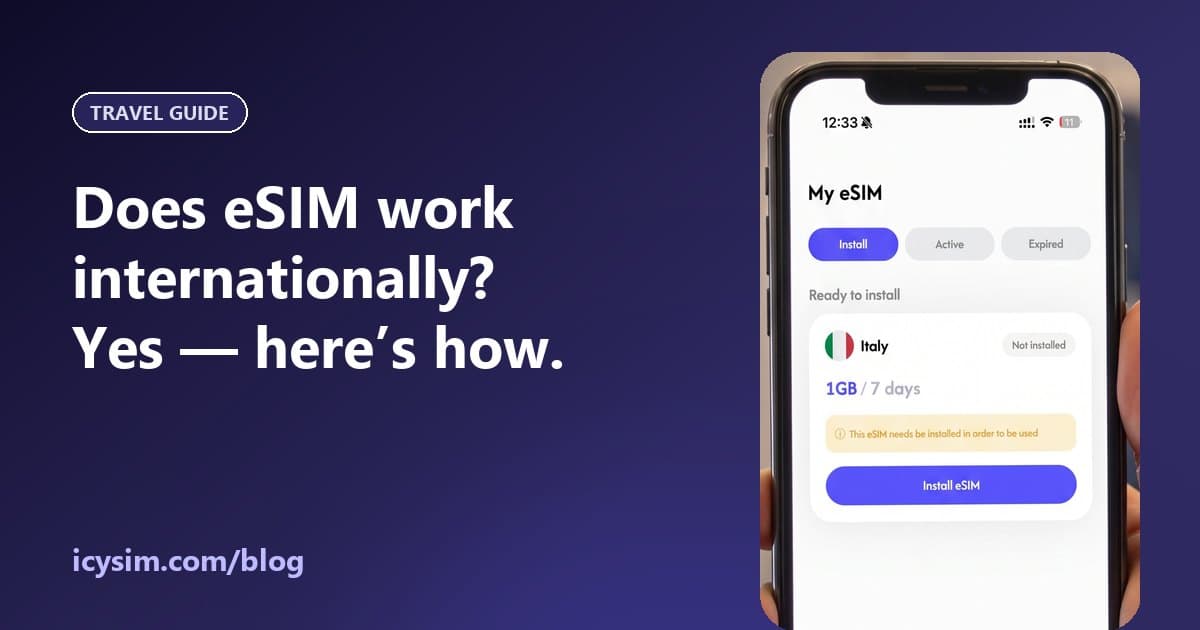

For most travellers to Japan, an eSIM is the better choice: nothing to pick up, carry, charge or post back, and you’re online the moment you land. A pocket WiFi still makes sense for a group that wants to share one connection all day — as long as someone is happy to carry it and keep it charged.
- An eSIM lives in your phone: install at home, connect on landing — no device, no deposit, no return.
- Pocket WiFi rentals start around ¥329 a day (Sakura Mobile, Oct 2026) and must be picked up and posted back.
- Pocket WiFi suits groups (one device for up to ~15 phones on some models); eSIM suits individuals and couples.
- Losing a rented router can cost ¥28,000–40,000 in fees if you don’t buy insurance.
- Both use the same Japanese networks — our Japan eSIM connects to docomo, au, SoftBank and Rakuten Mobile.
eSIM vs pocket WiFi at a glance
| Travel eSIM | Pocket WiFi rental | |
|---|---|---|
| Get it | Buy online, install at home | Airport counter or hotel delivery |
| Return it | Nothing to return | Post it back (deadline + late fees) |
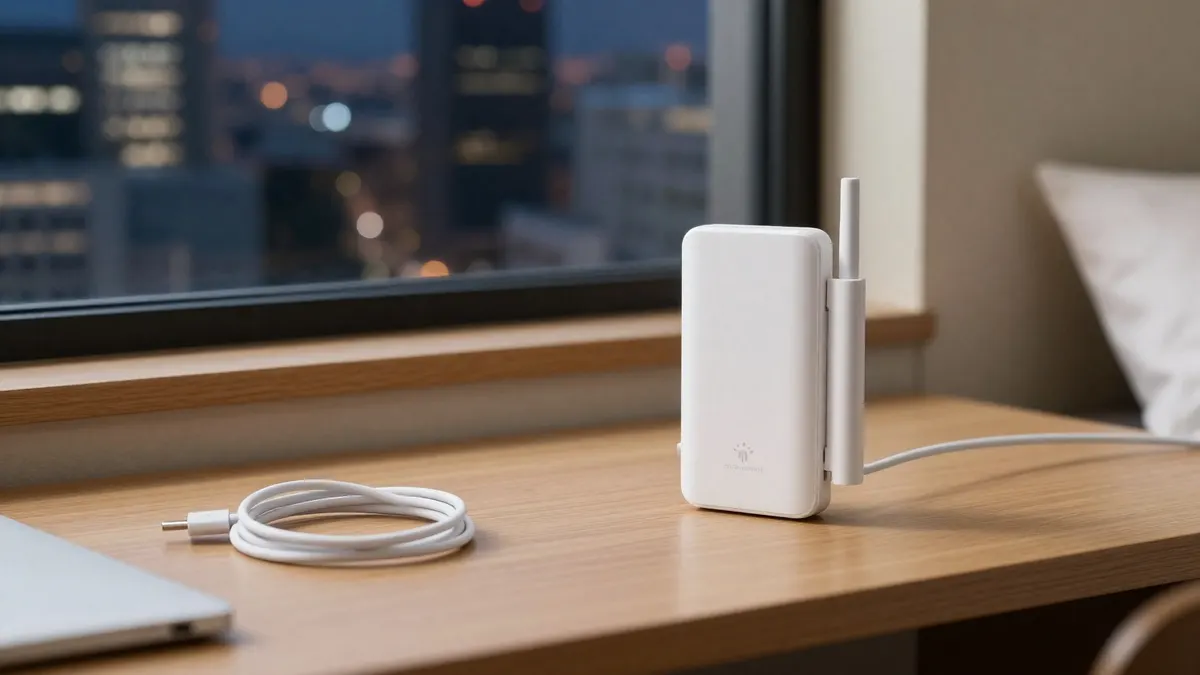
| Carry | Nothing extra | A router, cable and spare battery |
| Battery | Your phone’s | About 8–20 hours depending on model |
| Sharing | Phone hotspot | Built for sharing (many devices) |
| If lost | Nothing to pay | Fees around ¥28,000–40,000 without insurance |
| Price example | 5 GB / 30 days: $6 (ICY SIM) | From ¥329/day (Sakura Mobile) |
Prices checked 8 October 2026 — rentals vary by company, model and length, and ours are live on the Japan page.
How pocket WiFi rental works in Japan
You book online before the trip and collect the router at an airport counter (Narita, Haneda, Kansai and Fukuoka are common) or have it delivered to your hotel. At the end, you post it back — usually in a prepaid envelope dropped in any Japan Post mailbox by a deadline. Some companies don’t offer airport pickup at all and charge for delivery each way, so read the details.
Cost: which is cheaper?
For one person, an eSIM is usually cheaper. A week of pocket WiFi at ¥329 a day is about ¥2,300 before insurance and any delivery fees; our Japan eSIM is $4 for 3 GB (15 days) or $6 for 5 GB (30 days). For a group of three or four, one pocket WiFi split between everyone can work out cheaper than an eSIM each — that’s the case where rentals still win.
Data limits and speed
Rental companies advertise “unlimited”, but check the fine print: Japan Experience, for example, notes speeds may be reduced above about 3 GB a day. Travel eSIMs sell fixed amounts (or daily-unlimited plans with a high-speed allowance), and you can top up in the app if you run low. For most sightseeing trips, 3–5 GB a week is plenty — see how much data you need.
Coverage: cities, countryside and the subway
Japan’s networks are excellent in cities and along the rail network. Our Japan eSIM can use NTT docomo, KDDI au, SoftBank and Rakuten Mobile; most pocket WiFi rentals use one of those same networks. Tokyo’s subway has mobile coverage in its tunnels — the main carriers have covered all nine Tokyo Metro lines, including between stations, since 2013.
Can you just use free Wi-Fi in Japan?
Partly. Japan has plenty of free hotspots in stations, convenience stores and tourist areas, and the official Japan Wi-Fi auto-connect app connects you to vetted free networks automatically. It’s a good backup — but it won’t keep Google Maps working while you walk between stations, which is what most travellers actually need data for.
Do you need a Japanese phone number?
Usually not. Travel eSIMs and pocket WiFi are both data-only, so neither gives you a Japanese number. The popular taxi app GO accepts non-Japanese phone numbers (since November 2023), so register it with your home number before you fly — keep your home SIM on to receive the SMS code. For restaurant bookings that ask for a Japanese number, your hotel concierge is the usual workaround.
Will your phone work?
Any eSIM-compatible, carrier-unlocked phone works — check your model. Since October 2021, phones sold in Japan are in principle sold without a SIM lock, so a phone bought in Japan is usually fine too.
Setting up an eSIM for Japan
- Buy a Japan plan before you go.
- Install it at home on Wi-Fi — validity starts when you first use data.
- When you land, set it as your mobile data line and turn on data roaming for it.
- Need to share with a friend? Turn on your phone’s hotspot — supported on our plans.
Verdict
- Solo or couple: eSIM — cheaper, nothing to carry or return.
- Family or group of 3+ who stay together: a pocket WiFi can be cheaper and simpler to share.
- Long stays or heavy laptop work: compare a large eSIM plan with an unlimited rental, and check the rental’s daily fair-use limit.
- Splitting up during the day? Separate eSIMs — a shared router only works when you’re together.
Going to Japan?
Japan eSIM plans on docomo, au, SoftBank and Rakuten — install before you fly.
See Japan eSIM plans →